
Playbook
Your team should write their own LinkedIn posts.
Five people at one company share the same launch post, word for word, before lunch. Readers can tell who wrote it, and it wasn’t any of the five.
The copy-and-paste post costs more than it earns.
It tells buyers that your people have nothing of their own to say. It tells your people that marketing sees them as distribution.
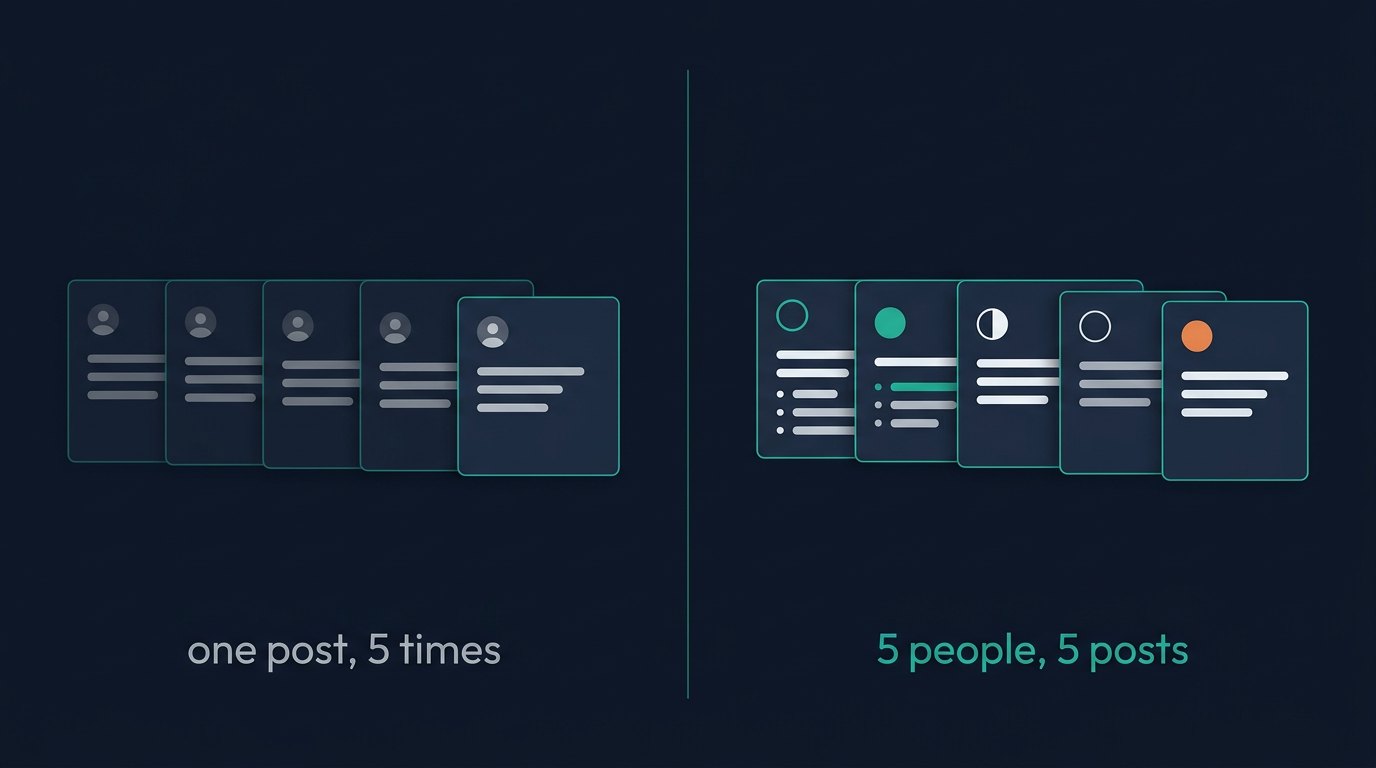
Our view is simple. An employee’s post is worth reading when it holds something only that employee could say. That view shaped how team posting works in Adamiro. Here’s what we believe, and where each belief sits in the product.
A voice comes from what you’ve already written.
We don’t trust a list of brand adjectives to make anyone sound like themselves. Your own sentences do that job better.
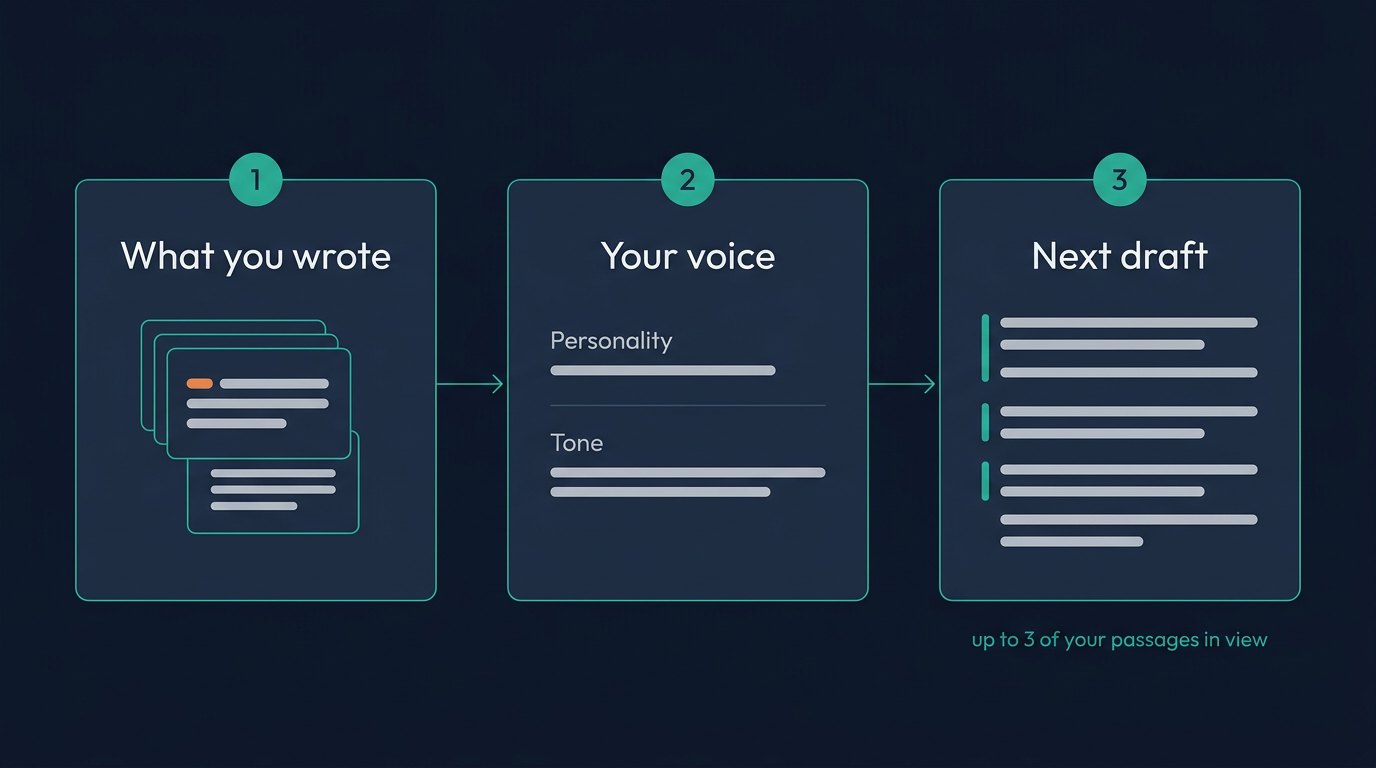
So that’s where Adamiro starts. Open Voice and go to Your Voice. A voice nobody has taught yet says Not taught yet. Press Teach it, find Work it out from writing you already have, and paste two or three paragraphs you wrote yourself. Your best LinkedIn posts are a good pick, because they’re you on a good day.
Press Read my writing. Adamiro fills in a starting voice for you to check: a personality and a tone. It’s saved only when you press Save, and you can change every word first. We think a tool that rewrites your voice behind your back has no business writing for you.
Adamiro also keeps the paragraphs you pasted. Every later draft in that language is written with up to 3 of your own passages in view. Settings describe a voice. Your own sentences show it.
Two more boxes sit on the same screen. Content pillars holds the two or three subjects you want to be known for. Proof facts holds true things about you that anyone could check, one per line, and Voice can open a LinkedIn post with one of them. Suggest my pillars and Suggest proof facts are free, and nothing is stored until you press Save.
Under Hear it before you save it, press Write me a sample to read the voice before you rely on it. It costs 1 task.
The founder goes first.
Asking employees to post before the founder does is backwards. People copy what they see their leaders do, and they ignore what a memo asks for.
On a Team account, the owner has two jobs here.
One is the company voice. Your Voice lists it as Company voice, next to Your own voice. Only the owner and group admins can edit it. Co-Editors write with it, and each keeps a voice, pillars and proof facts of their own.
The other is to post as yourself for a few weeks. Pick an idea on the Ideas tab and click Write as…. Choose LinkedIn Post and set Write as to You. Edit the draft, press Approve for Reach, and publish it from Reach to your own profile.
For one of those posts, pick Build in public as the Angle. Voice asks three questions: this week’s number, the mistake or the thing that did not work, and what you decided or changed. Answer at least one. The post is written only from your answers and your proof facts, which is the kind of post we’d like a team to copy.
Then ask the team. By that point they’ve watched you do it.
Share the facts and leave the sentences to each person.
A company should agree on what’s true about a launch. We see no reason it should agree on the wording.
In Adamiro, the facts go in Memory. On Team, the whole account shares one Memory, and uploading a document costs nothing. Each Co-Editor presses Add an idea and ticks that item under Ground it in what Adamiro knows, so every draft starts from the same facts.
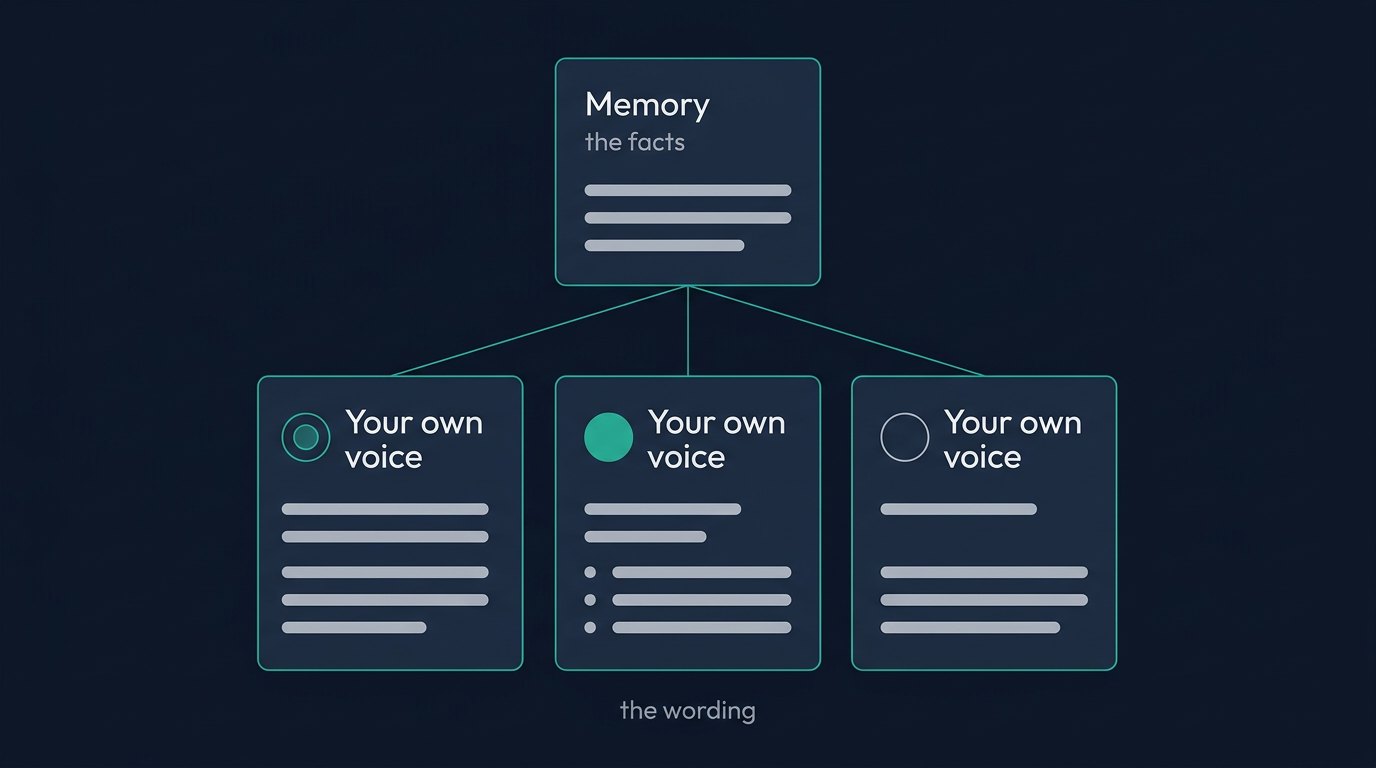
The wording belongs to the person. In Write as… each Co-Editor sets Write as to You, then picks an Angle, a Pillar and The shape of it. The shapes are Single paragraph, What / How / Why, Question and answer, Listicle, Old vs New, Pain, new way, takeaway, and Themed list, which looks at the subject through one lens such as lessons, mistakes or stories. Leave it on Auto and Voice chooses.
The part we care most about is the box on Add an idea called Anything Voice should know. That’s where you write what you built, which finding surprised you, or what a customer said last week. It becomes the starting text of the draft, and it’s the reason the post is yours.
Where a post goes follows the voice that wrote it. A post written as You goes out through that person’s own LinkedIn profile, and the Reach queue marks it LinkedIn · Personal. One written as The company goes out through the Company Page and is marked LinkedIn · Company. Adamiro keeps the two apart, and personal drafts stay private to their author.
The first line belongs to the writer too.
LinkedIn shows the first line of a post and hides the rest behind “see more”. We don’t think that line should be a statistic nobody gave the writer, and we don’t think a post should end by asking for comments.
So Voice writes the first line last, once it knows what the post says. It never opens on a number that isn’t in your material or your proof facts, and it doesn’t close with “What do you think?”.
On a LinkedIn draft, Other hooks sits next to Save. It gives you three other ways to open the same post. Press Use this on the one that sounds like you, and only the first line changes. It’s free, and you can ask three times per draft.
A person reads every draft.
We build a product that drafts posts, so take this from us: a draft that no one has edited isn’t ready. It’s a starting point with your facts in it.
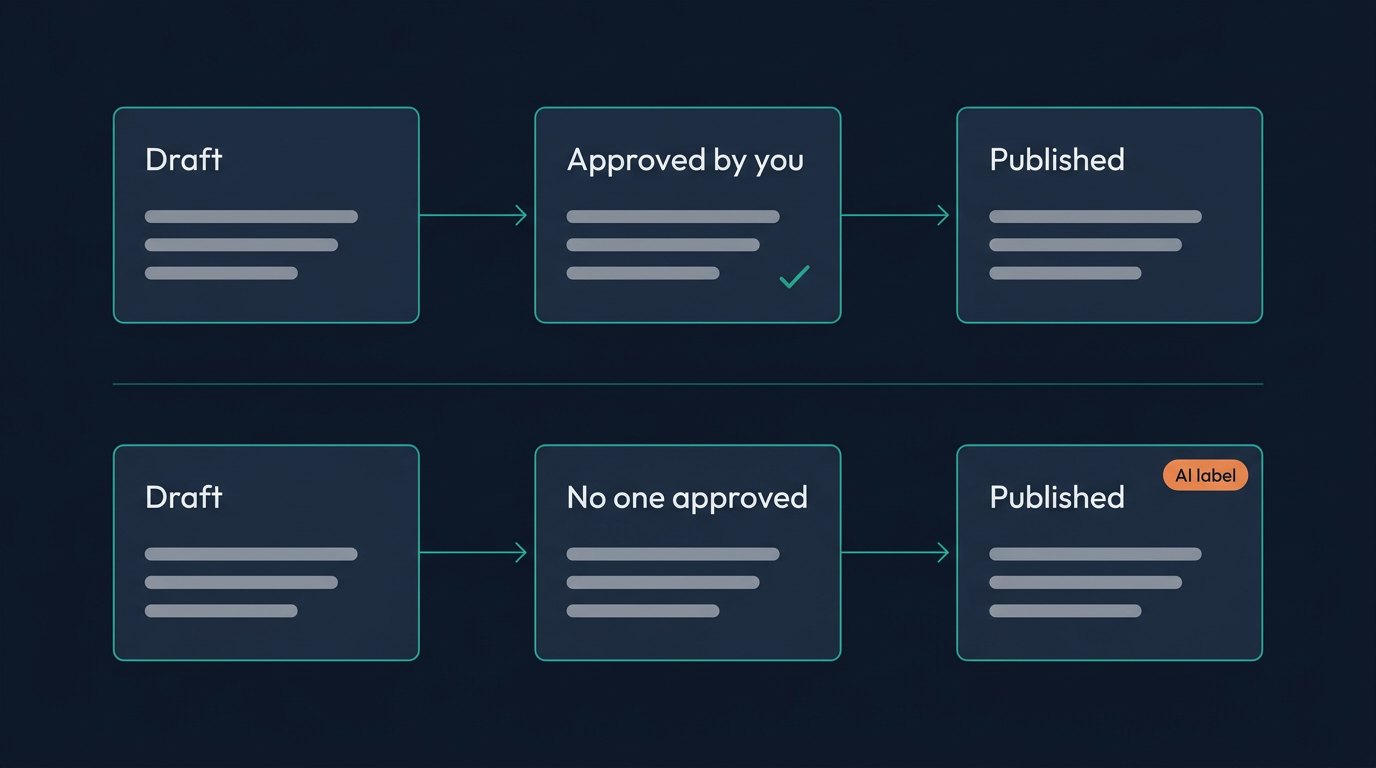
That’s why a draft in Adamiro stays a draft until a person approves it. In the Voice editor the button is Approve for Reach. On a post that is waiting in Reach, Open and approve puts the text in front of you, with Approve above it. Edit it first, and add the detail only you know.
Your edits do some work afterwards too. Adamiro watches what you change and proposes vocabulary for your voice, such as a word you always remove. The suggestions wait on Your Voice under What it has noticed on its own, and your voice changes only when you press Use it on one.
Approving also decides how the post is labelled. Under the default AI disclosure setting, a post you approved and published yourself goes out without an AI label, whether you changed a word or not. A post that goes out with nobody behind it carries one. We think that’s the honest default.
And when a draft misses, delete it unedited within 24 hours. The task comes back, up to 3 times a week.
Count who takes part before you count leads.
Measuring leads in the first month puts pressure on people who are still finding their feet. We’d count participation first.
On a Team account, open Drafts in Voice and set Whose to The company’s. It lists every company draft on the account, yours and your Co-Editors’. What someone writes as themselves stays with them, so for those you ask, or you read their LinkedIn.
Someone who isn’t ready to post can start smaller. Comment on a post, on the Ideas tab, writes two or three sentences to put under someone else’s post, built on a fact from your own work. It costs 1 task, and you post it yourself. When an idea does fit a person, More like this on its card writes up to five more on the same subject for 1 task.
Give it a month and see how many of your 5 people draft every week. Look at Performance under Campaigns after that. It shows results By pillar and By how the post opens.
Where we land.
We’d take 5 uneven posts that sound like 5 people over one polished paragraph posted 5 times. Buyers follow people, and they can hear when a person is missing.
A Team seat covers 5 people who share one account and one task balance. A LinkedIn post draft costs 1 task. Approving, scheduling and publishing cost nothing.
Start with your own voice. The trial gives you 15 tasks and asks for no card.
Last reviewed: October 2026